
How to Use ERNIE Image
Step-by-Step for Beginners
ERNIE Image is Baidu's open-weight 8B diffusion model — best-in-class for text rendering inside images, bilingual prompts, and structured layouts. This guide covers every way to use it: browser, ComfyUI, and local GPU.
Already know the basics? See how ERNIE Image compares to Midjourney and DALL·E 3 in our review.
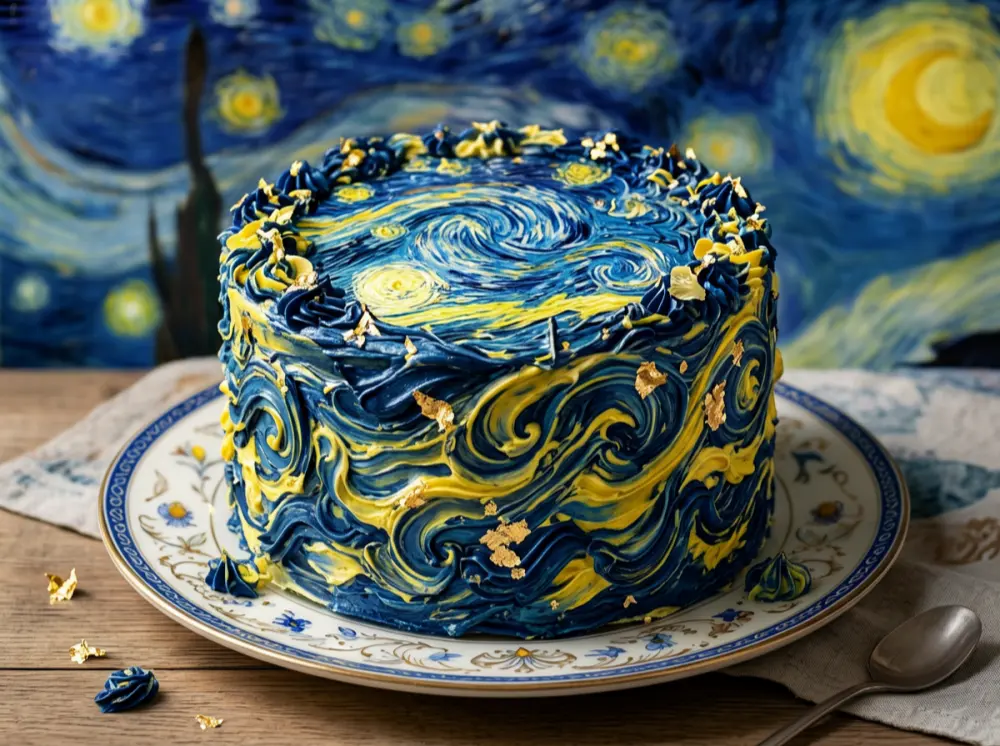
Built for Text Rendering,
Layouts & Precision
ERNIE Image (8B parameters) is Baidu's flagship open-source text-to-image model. It outperforms most open-weight models at text-heavy tasks while remaining commercially free under Apache 2.0.
Clean Text in Images
ERNIE Image is specifically trained to render readable, accurate text inside generated images — posters, signs, labels, UI mockups — where other models produce blurry gibberish.
Bilingual Prompts
Write prompts in English, Chinese, or Japanese. ERNIE Image can render multilingual text in a single image, with consistent quality across all three languages.
Structured Layouts
Generate grid-aligned, organized outputs — infographics, product pages, poster templates, and comic panels — without losing spatial coherence.
Open-Weight & Free
Apache 2.0 license covers both the model and generated images. Download, run locally, modify, or use commercially — no fees, no usage limits.
Your First Image in 3 Steps
Web generator: write a prompt, set size, then generate and download — no install, no local GPU.
- 1
Write Your Prompt
Describe your image in plain English or Chinese. Put any text you want rendered in the image inside quotation marks.
"A poster with text 'SALE 50% OFF' in bold red, dark background"
- 2
Set Dimensions
Choose a preset aspect ratio or a custom size from 300px to 2048px. Square for social, portrait for mobile, landscape for banners.
Most common: 1024×1024 square, 768×1024 portrait, 1024×768 landscape
- 3
Generate & Download
Click Generate and wait a few seconds. Open full preview, download, or tweak the prompt and run again.
If text isn't crisp, add position cues like 'centered at the top'
For Turbo vs Standard settings and size recommendations, the generator interface explains each option inline. Credit costs start at 1 credit per Turbo image — see full ERNIE Image pricing.
How to Use ERNIE Image: Step-by-Step
Every step from opening the generator to downloading your finished image — no GPU required if you use the web generator. Not sure if ERNIE Image is right for you? Read our in-depth review first.
Navigate to the ERNIE Image AI Image Generator in your browser.
No installation required. The web-based generator runs ERNIE Image in the cloud, so any modern browser on any device works. Free to use with no account needed for basic generation.
Write Prompts That Get Results
ERNIE Image responds best to specific, structured prompts. See the difference side-by-side.
"A poster"
"A modern tech conference poster, bold white text 'INNOVATE 2026' centered at the top, dark navy geometric background with subtle circuit pattern, event date 'March 15' in smaller sans-serif below, clean minimalist layout"
Include exact text in quotes, specify its position and style
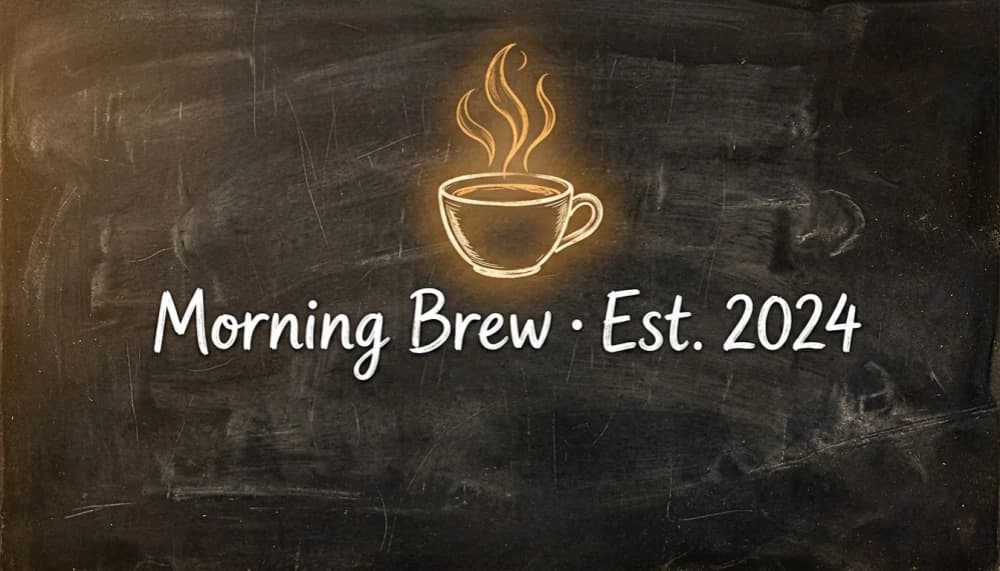
"Coffee shop sign"
"Vintage chalkboard sign for a coffee shop, hand-lettered text 'Morning Brew · Est. 2024' centered, warm amber tones, illustrated steam rising from a coffee cup, cozy artisan atmosphere, textured dark background"
Describe the overall mood and visual style alongside the text

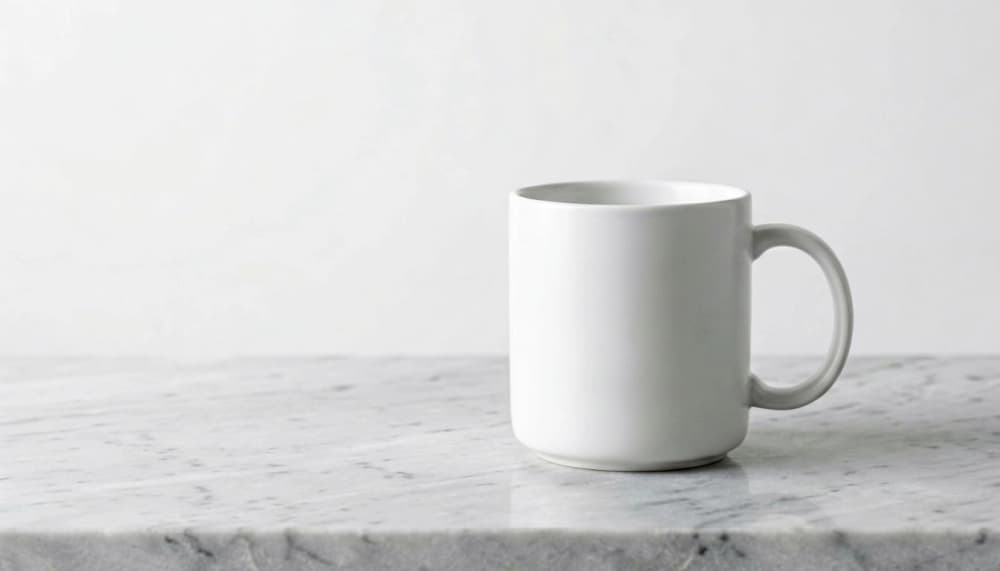
"Product image"
"Minimalist product shot of a white ceramic mug on a light gray marble surface, soft diffused studio lighting, clean white background, subtle drop shadow, professional e-commerce photography style, no text"
For non-text images, focus on lighting, composition, and surface details
Quote your text explicitly
Always put the exact text you want rendered inside the image in quotation marks. This signals to ERNIE Image that it should treat those words as literal content to display, not as style descriptors.
Specify position and size
Add spatial cues: 'large heading centered at the top', 'small subtitle in the bottom-right corner', 'watermark text in the lower-left'. ERNIE Image follows placement instructions more accurately than most models.
Name the font style
Use descriptors like 'bold serif headline', 'handwritten cursive', 'monospace terminal font', or 'neon outlined sans-serif'. These guide ERNIE Image's text rendering style without requiring exact font names.
Keep embedded text short
Text under 15–20 characters per line renders most accurately. For longer copy, break it into multiple labeled elements: 'headline text 'Title', subheading text 'Subtitle', body text 'Description'.
The best way to internalize these tips is to run them yourself. Open the ERNIE Image AI generator and test each prompt pattern — the Prompt Enhancer will expand your inputs automatically.
What You Can Create with ERNIE Image
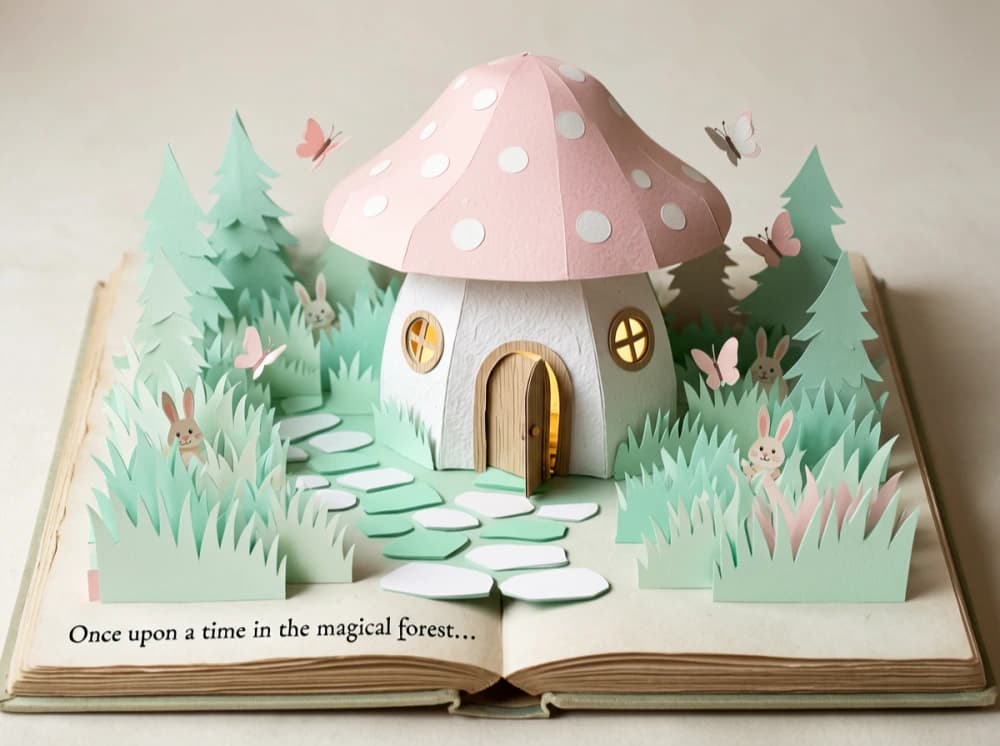
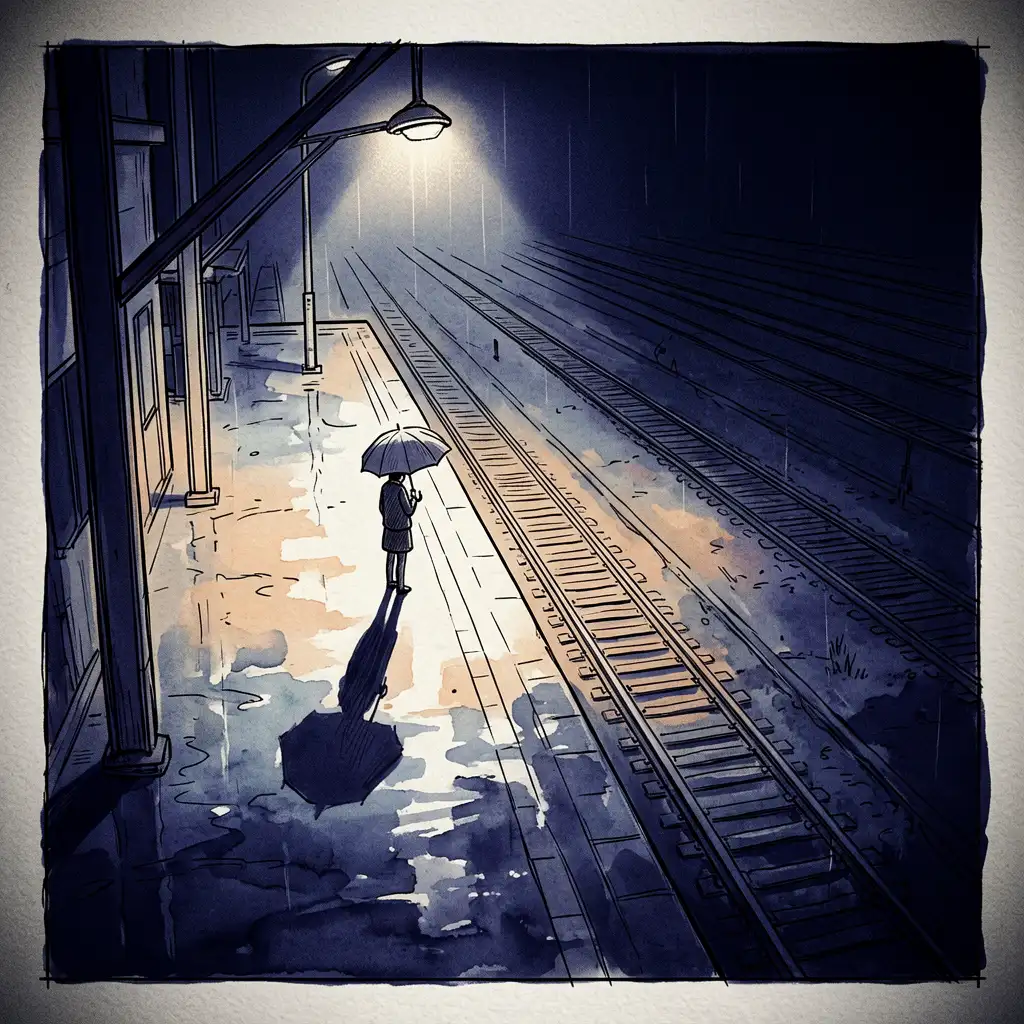
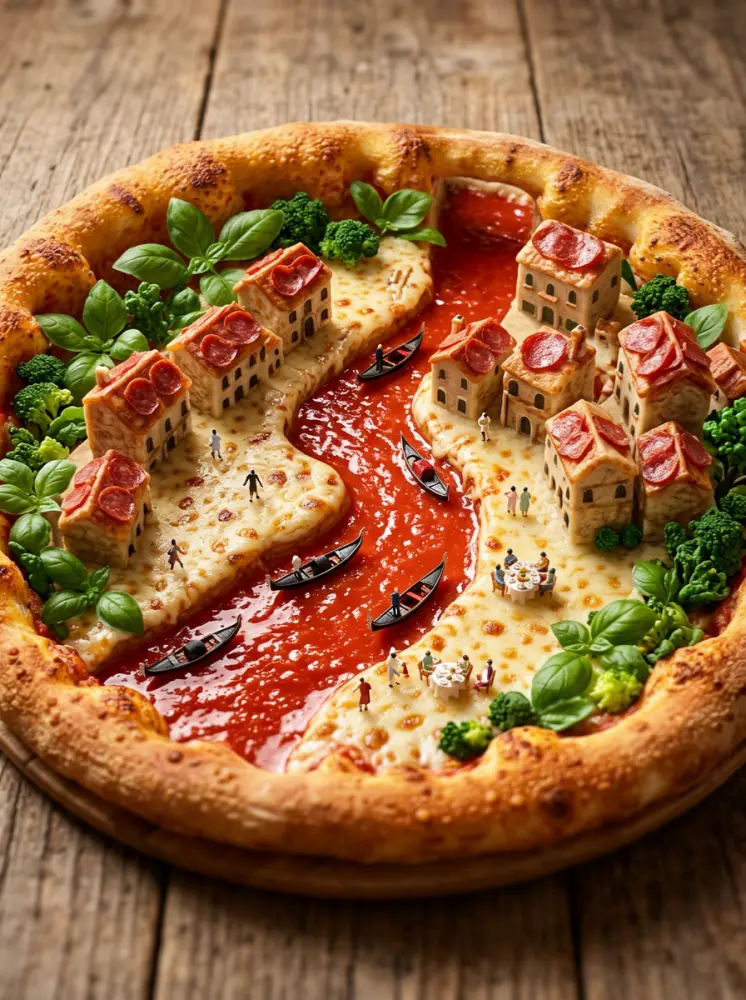
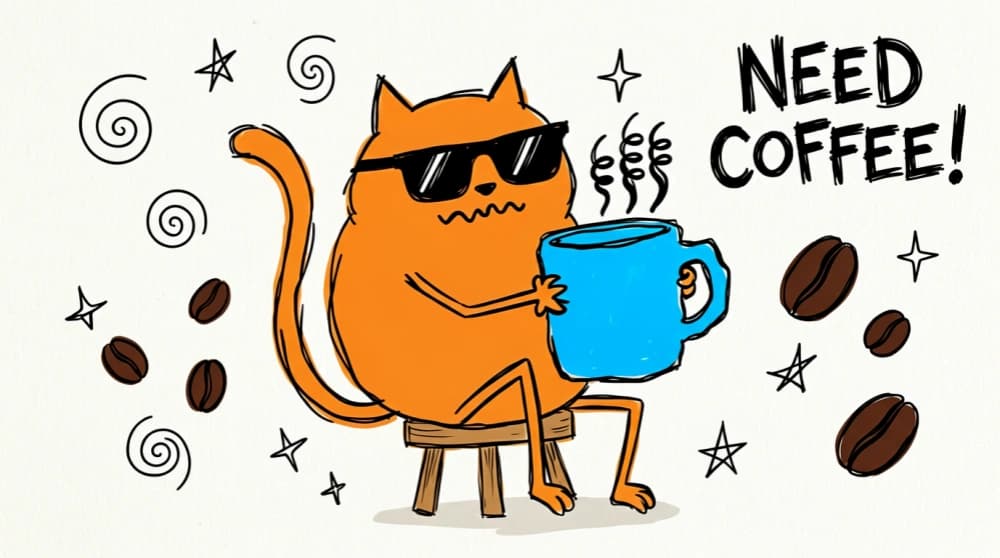
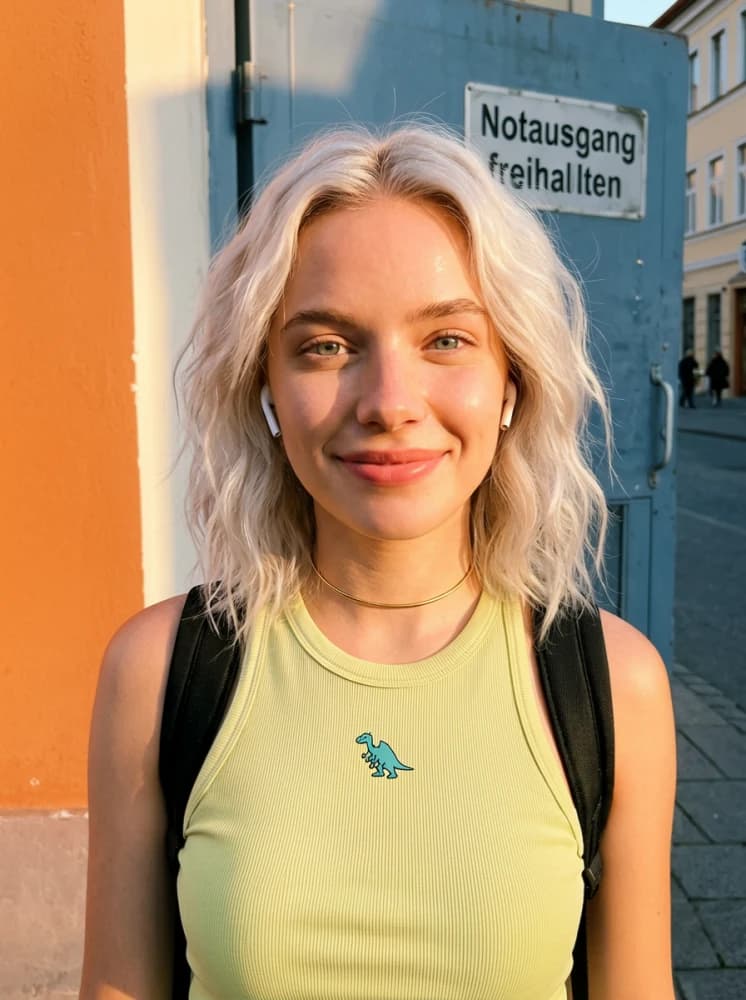
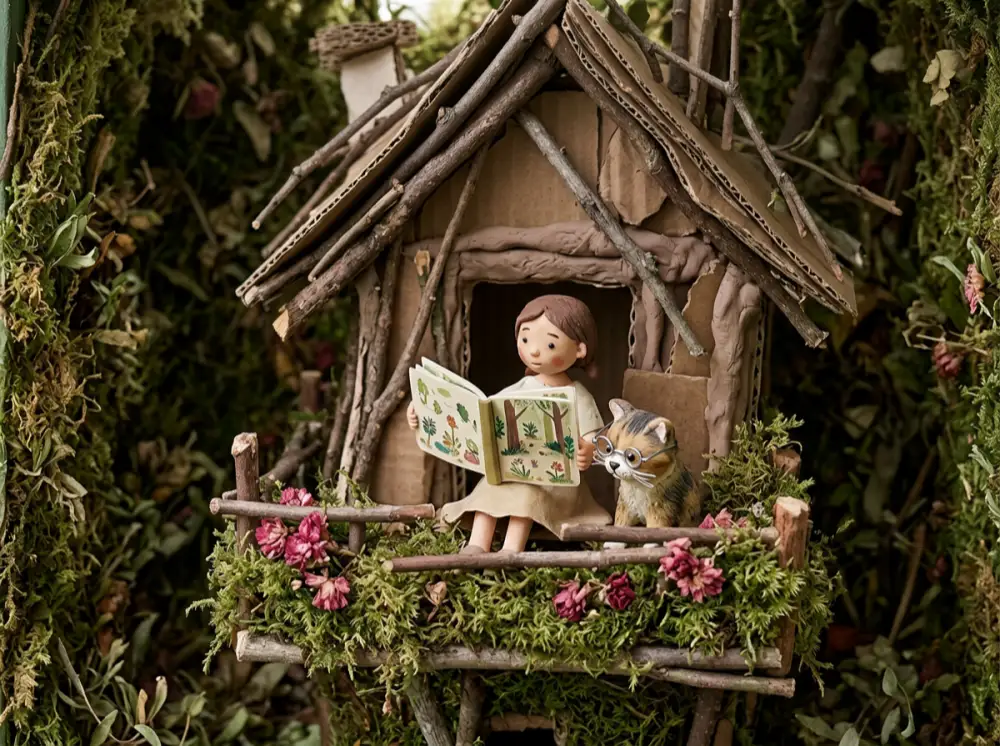
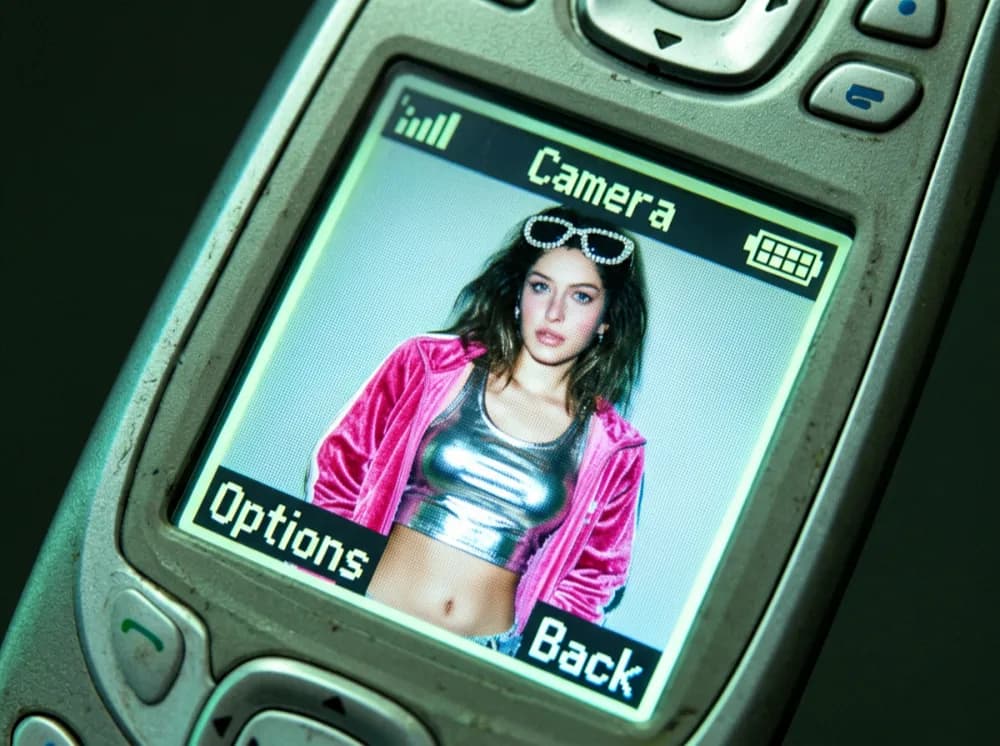
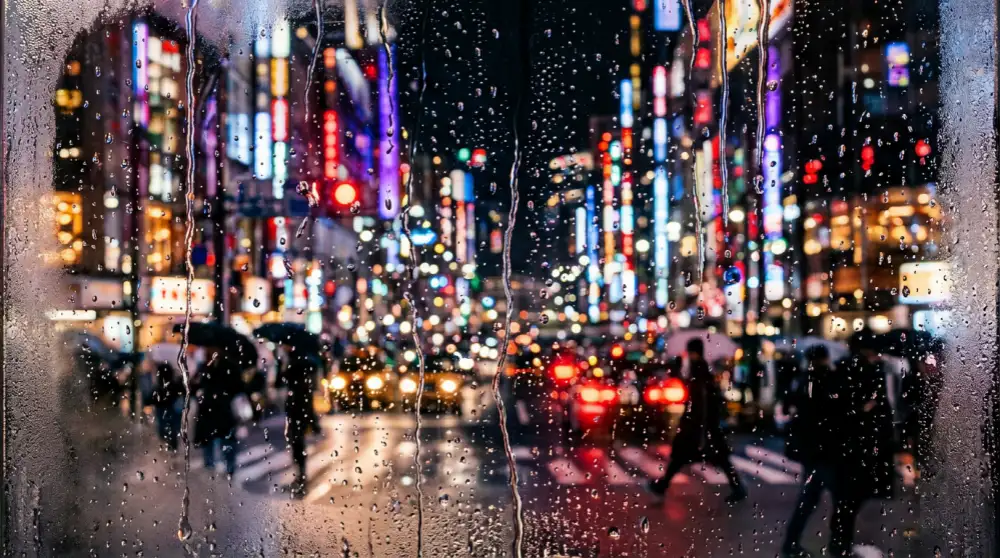
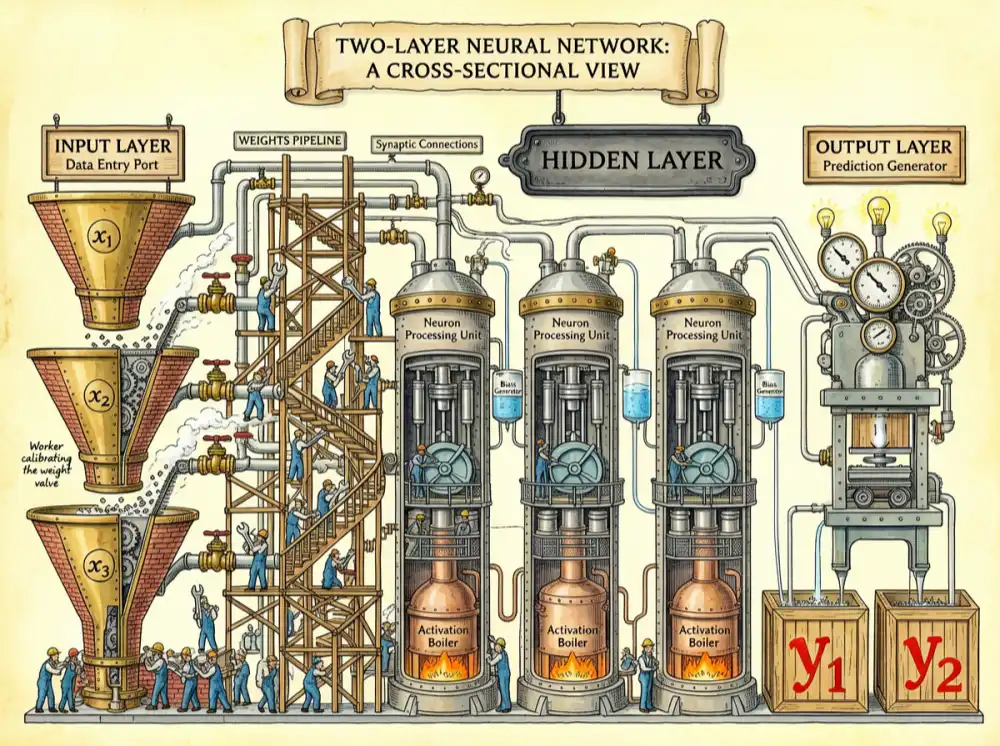
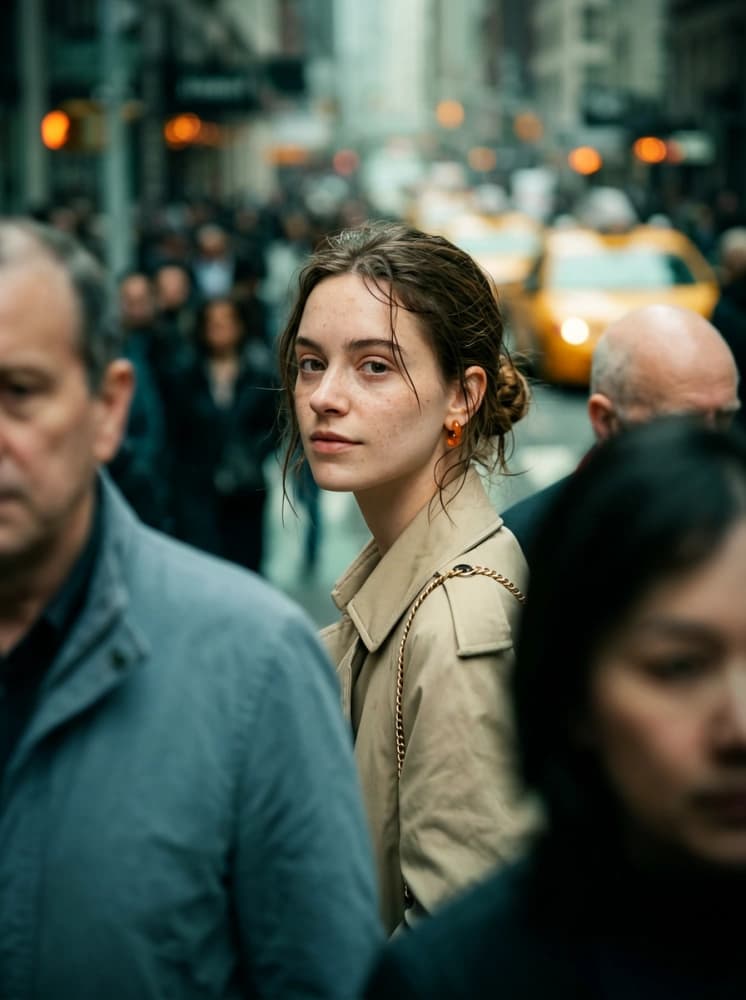
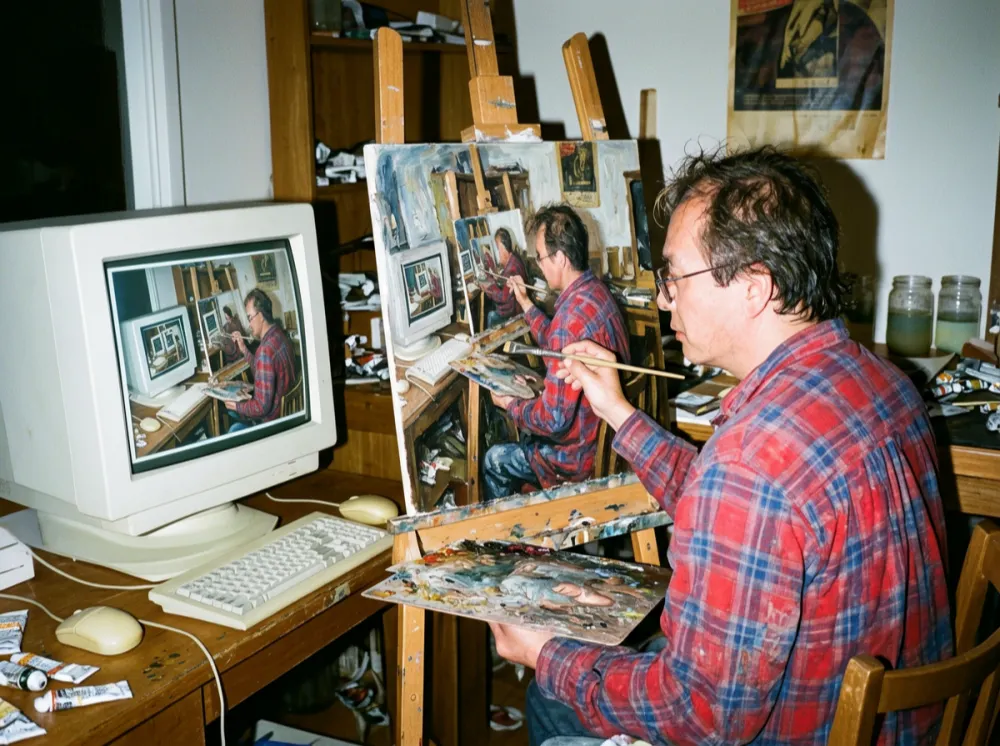
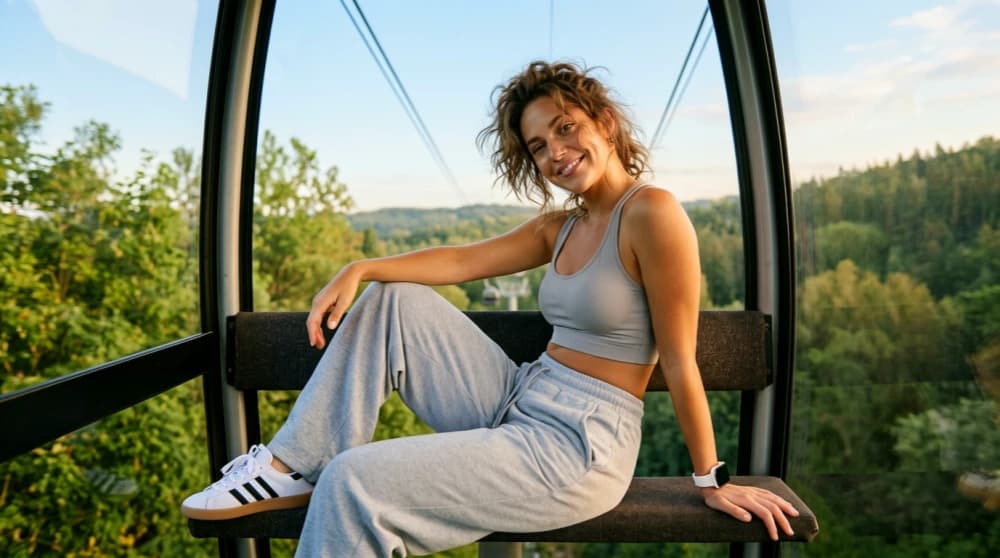
Posters, mockups, social content, bilingual layouts — every image below was generated directly from a text prompt using ERNIE Image. Use the copy button to grab a sample prompt.
Ready to create your own? Open the generator and try your first prompt.
Generate Your Image — Free →Want to see how these outputs compare to Midjourney and DALL·E 3? View our unbiased ERNIE Image review with side-by-side benchmark results from 200+ test runs.
Common Questions About ERNIE Image
Generate Your First Image Now — Free
No download, no GPU, no account required. Try ERNIE Image in your browser and experience the difference that precision text rendering makes for posters, mockups, and social content.